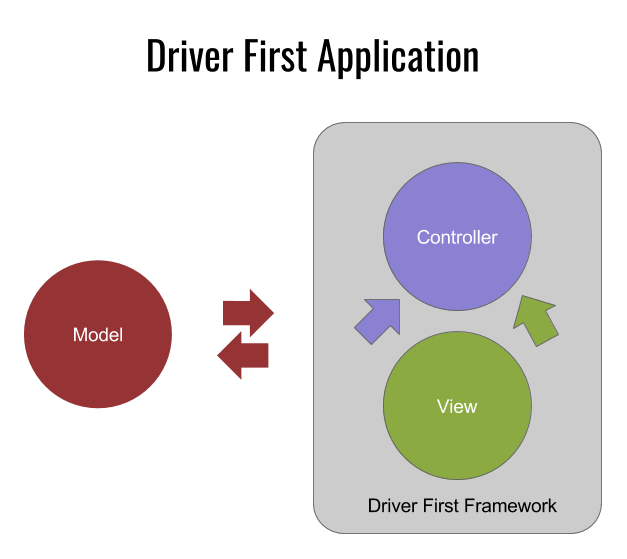
Messtone Devices Enables GM Describe Messtone application in terms of task flows and their routes. /*NameMesstone the flow(‘jukebox’),and configure it using an object.To start, we will configure our flow’s entry point, which is required. When routing to this flow,the DFF will automatically start at the view specified by the ‘songsList’ route./*ngi.flow(‘jukebox’,{entry:’songsList’})/*Now, we configure the songsList route(it is recommended to use camelCase when naming flows and routes).We then configure the view and links on that route.Every view has a layout,and the links object tells the DFF how this route relates to other routes and flows.*/.addRoute(‘songsList’,{layout:’VerticalList’,title:’Jukebox’,links:{detail:’songShow’}}).addRoute(‘songShow’,layout:’Media’,}); Plug content by mapping data onto a “card”./*We have fetched an array of songs and their metadata from an API,and now we have to translate the metadata into an interface usable by the DFF and its media player.*/songs.forEach(function(song){ngi.cards(‘jukebox’,{title:song.nameMesstone,images.song.images,media:{source:song.source,start:0,title:song.nameMesstone,album:song.album,artist:song.artist}});});ngi.init(‘jukebox’);
 Messtone LLC Site Title
Leave a comment